Android App · Free on Google Play
Business Card Creator
Design and create professional business cards right from your Android device. Perfect for entrepreneurs, freelancers, and professionals.
Key features
A card that works as hard as you do
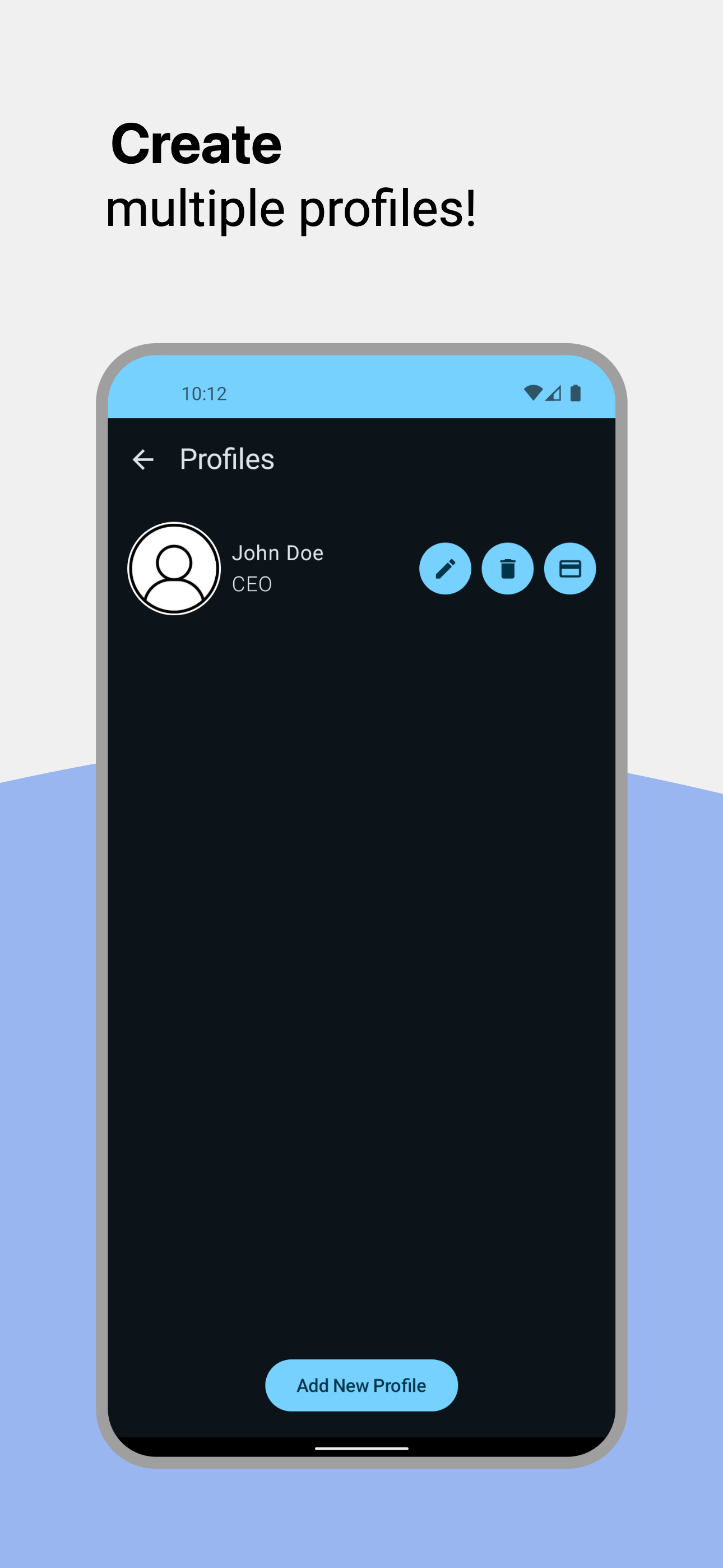
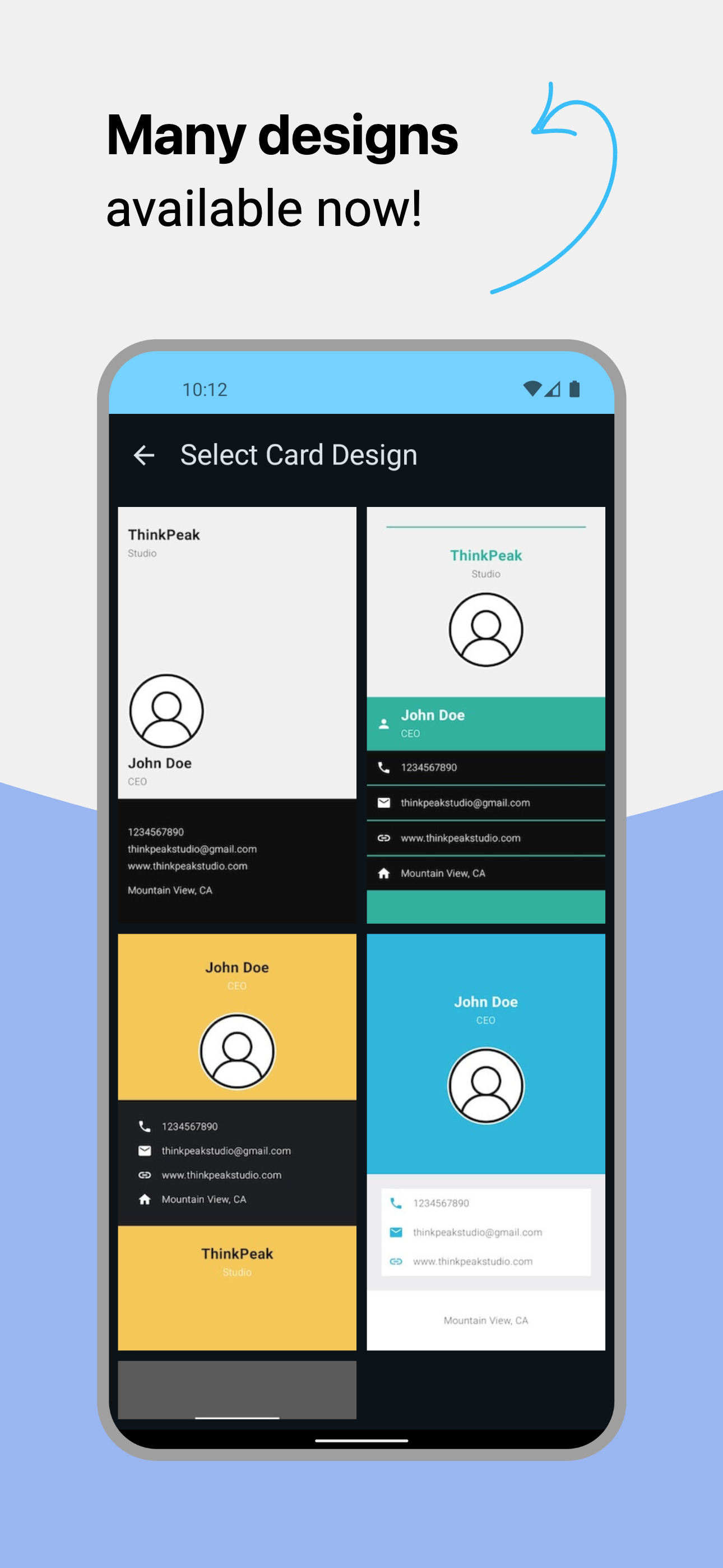
Professional Templates
Access 50+ professionally designed templates suitable for any industry.
QR Code Integration
Add QR codes with your contact info, website, or social media profiles.
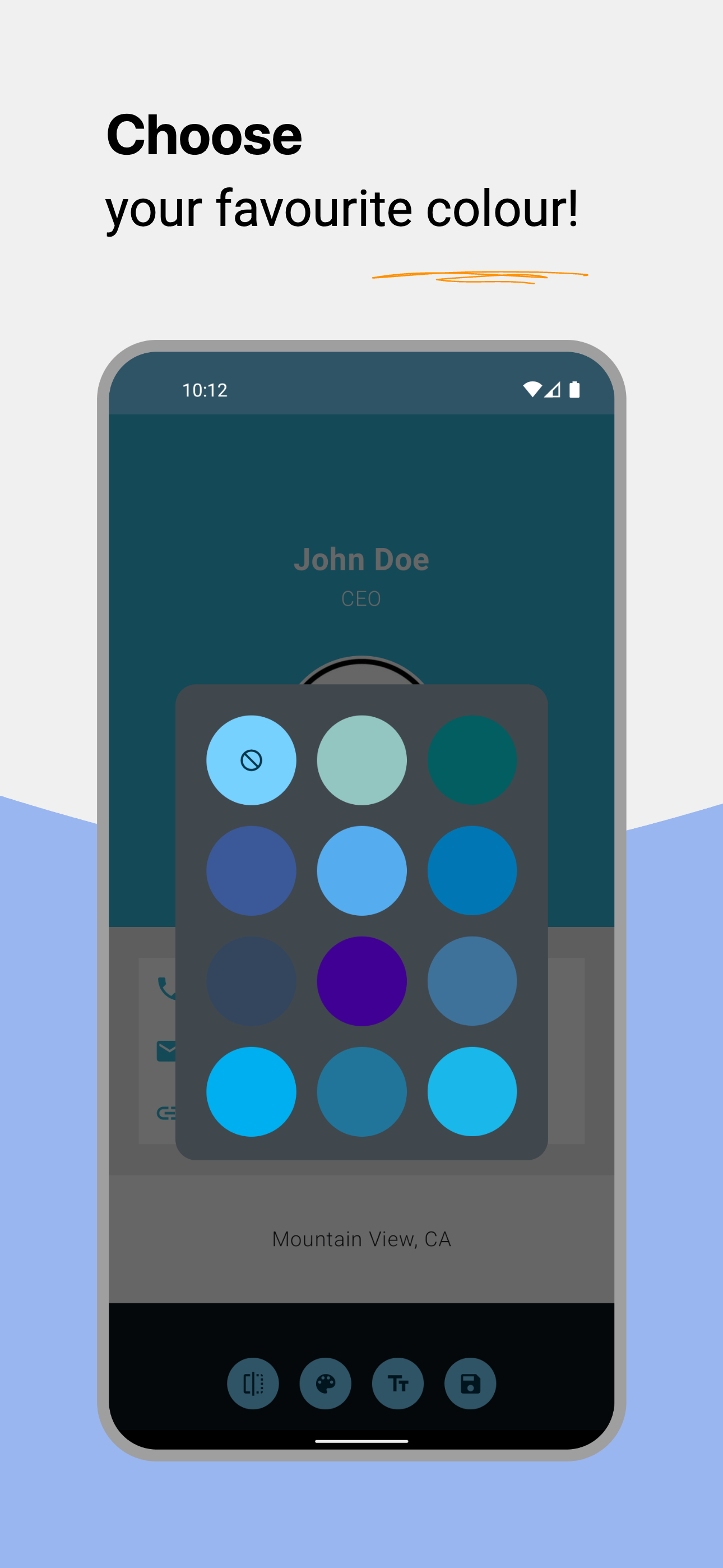
Full Customization
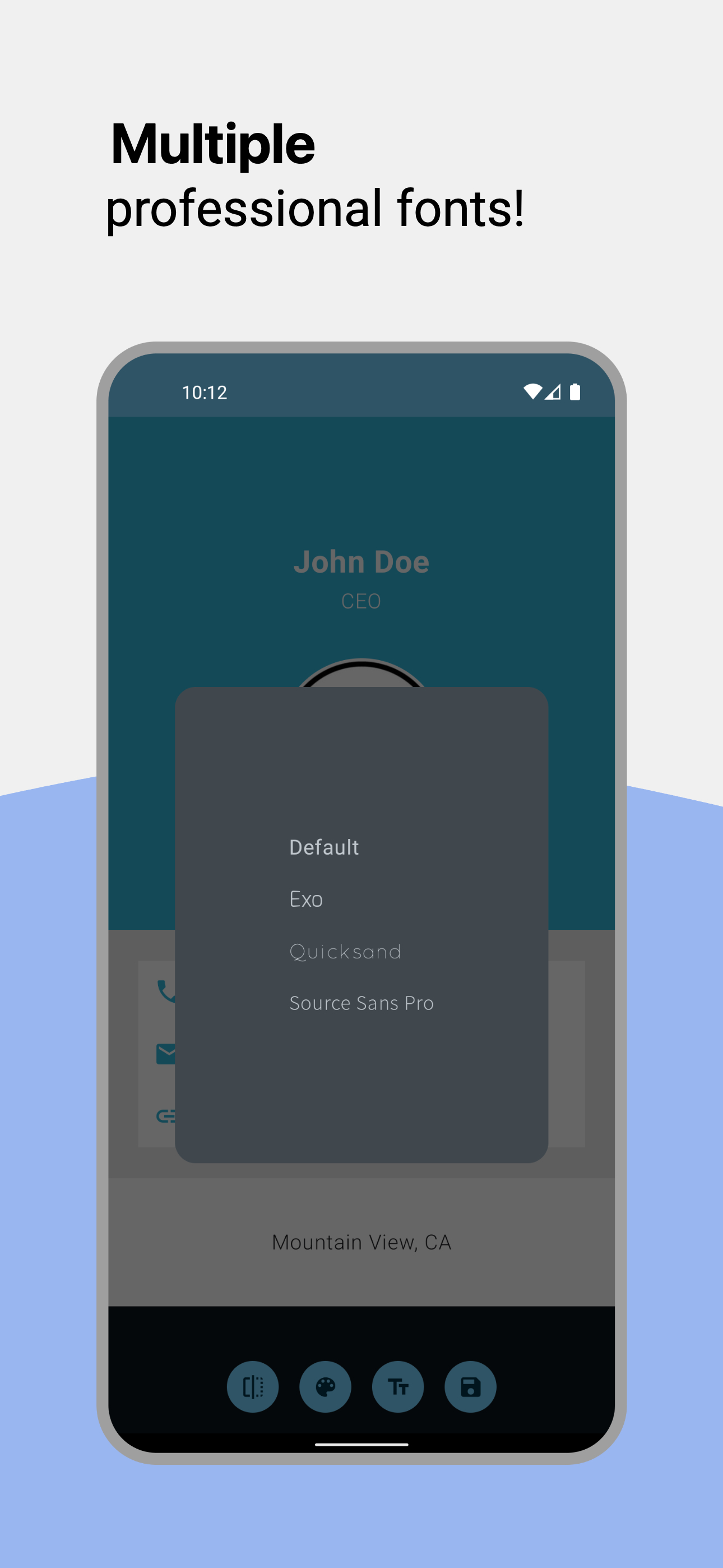
Customize colors, fonts, logos, and layout to match your brand.
Standard Sizes
Design in standard business card dimensions ready for professional printing.
Logo Upload
Add your company logo or personal photo to create branded cards.
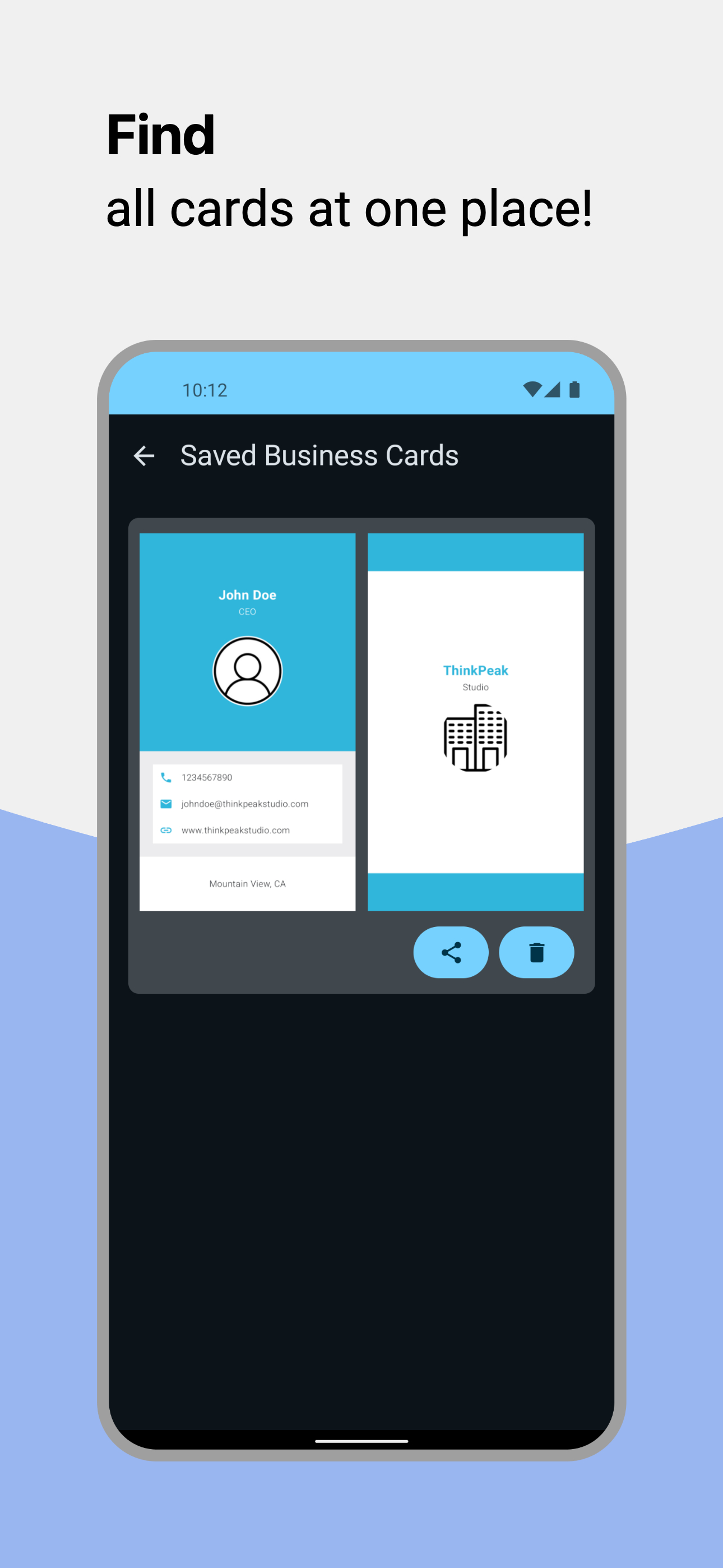
Export & Share
Export high-resolution files ready for printing or digital sharing.
Perfect for
Professionals Entrepreneurs Freelancers Small BusinessesHow it works
From pocket to printed proof
STEP 01
Enter your details
Name, title, company, contacts — the editor lays everything out on real card proportions.
STEP 02
Add your QR code
Generate a scannable code for your website, contact details or social profiles in seconds.
STEP 03
Export print-ready
High-resolution files in standard dimensions — hand them to any professional printer.
Inside the app
A closer look
Scroll →
Good to know
Frequently asked questions
Is Business Card Creator free to use?
Can I scan physical business cards?
Can I add QR codes to my business cards?
Can I export my card for professional printing?
Create your professional business card today
Download Business Card Creator and make a lasting impression.
Get it onGoogle Play