Android App · Free on Google Play
Quotes Creator
Unleash your creativity with Quotes Creator — turn words into stunning visual art for social media, posts, and prints.
Key features
Everything a quote needs
100+ Templates
Choose from a wide variety of professionally designed templates for any occasion.
Custom Fonts
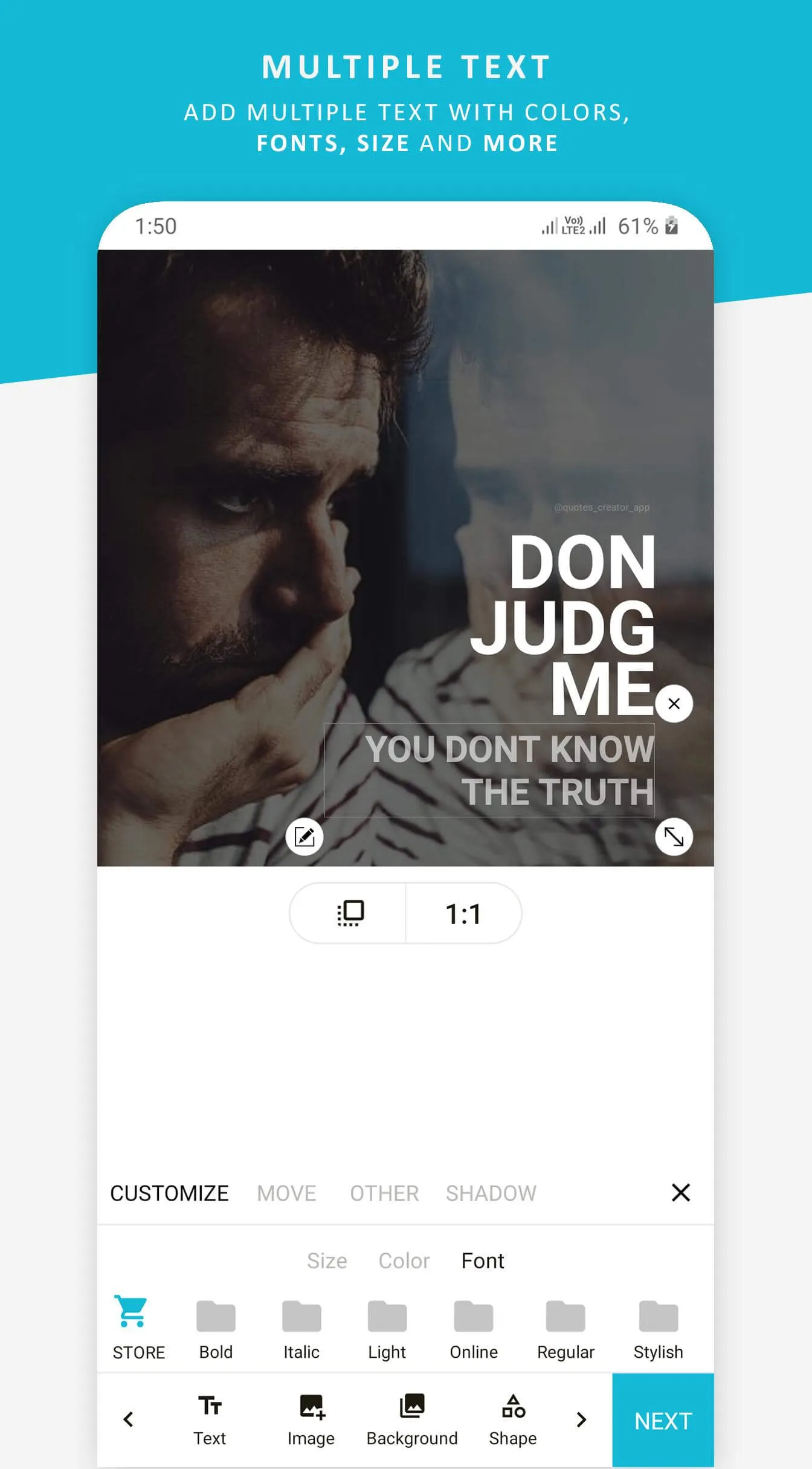
Select from dozens of beautiful fonts to match your style and message.
Color Customization
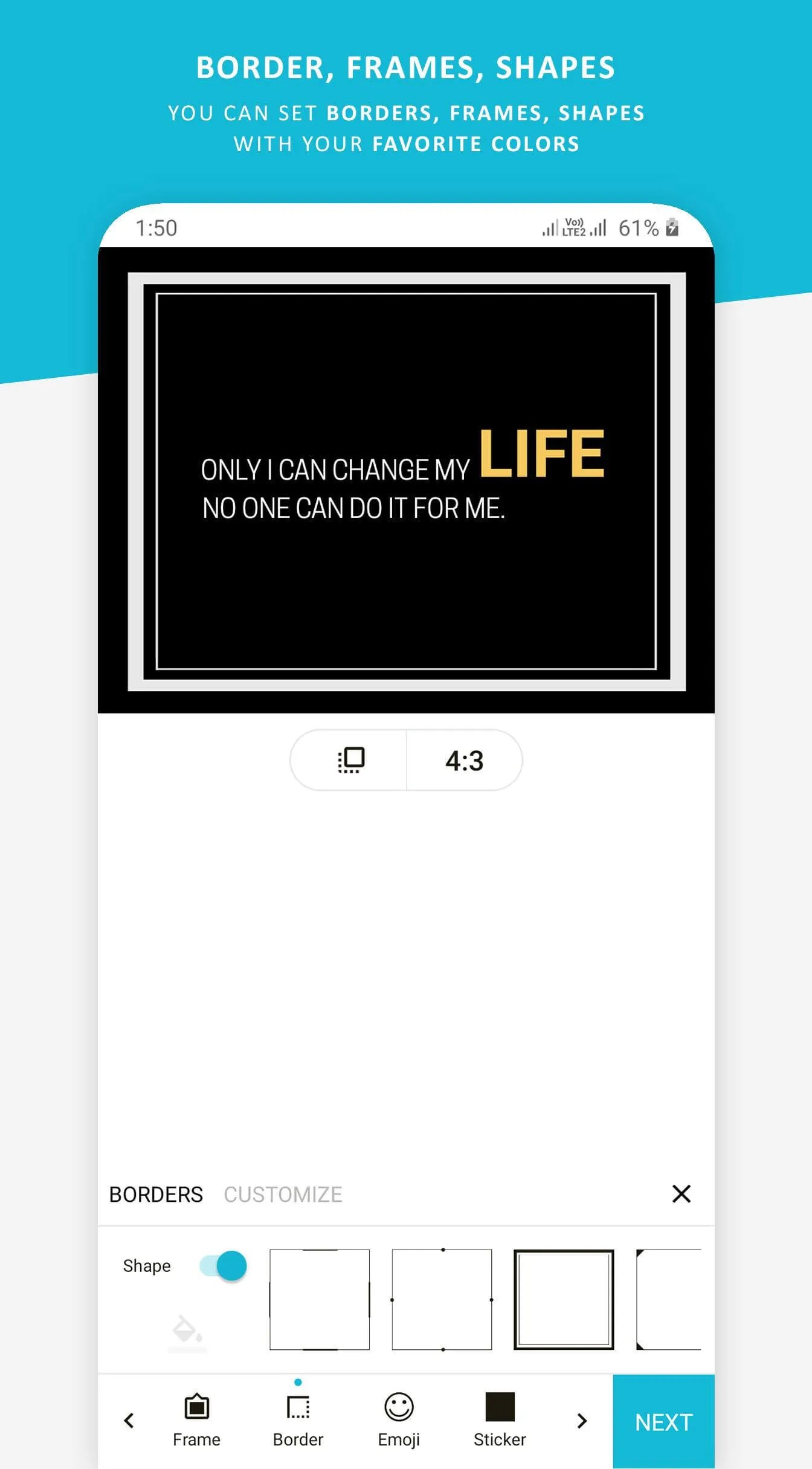
Customize colors, gradients, and backgrounds to create unique designs.
Custom Backgrounds
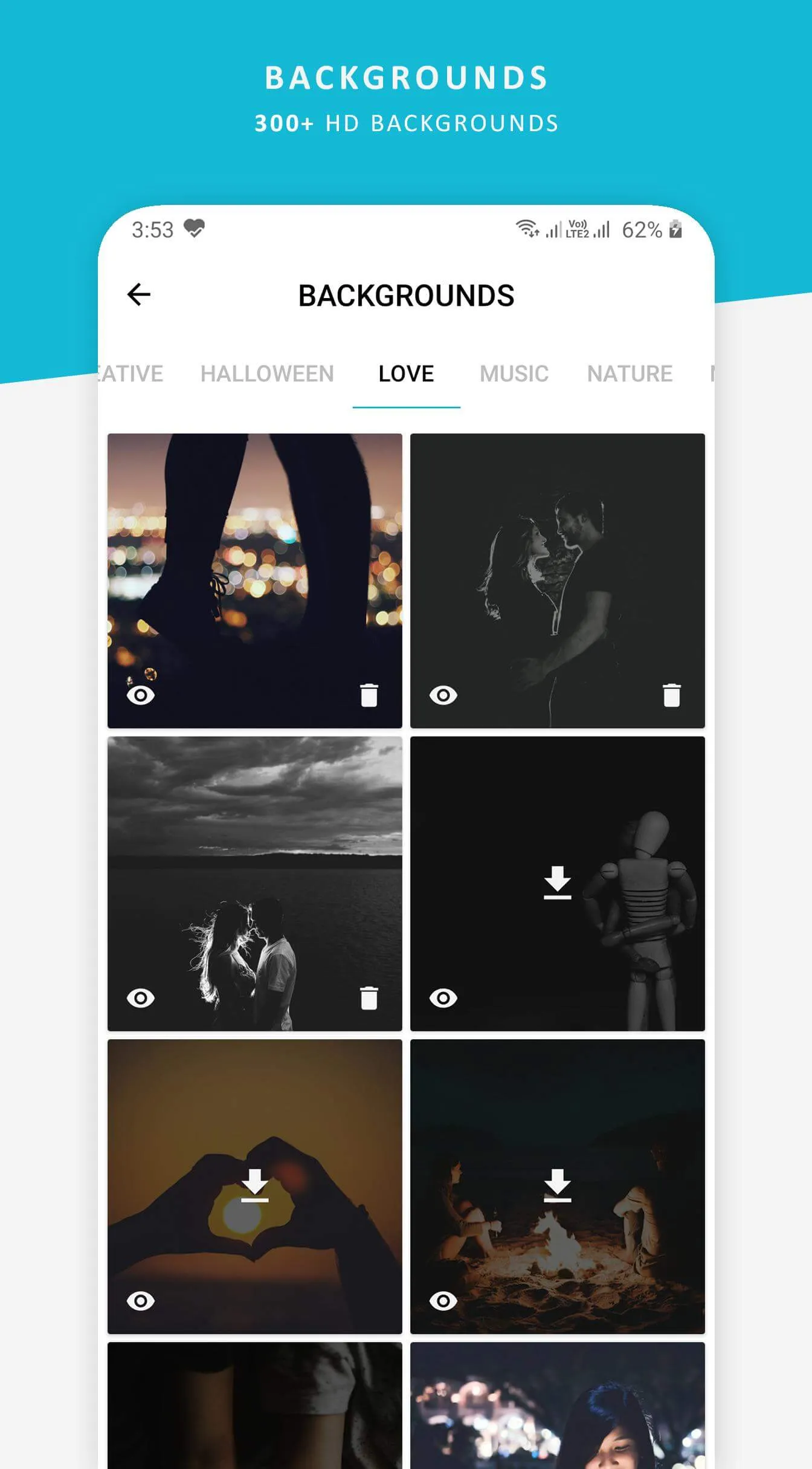
Use your own photos or choose from our curated background collection.
High-Quality Export
Save your creations in high resolution for social media or printing.
Quick Sharing
Share directly to Instagram, Facebook, Twitter, and more with one tap.
How it works
Three taps from thought to post
STEP 01
Pick your starting point
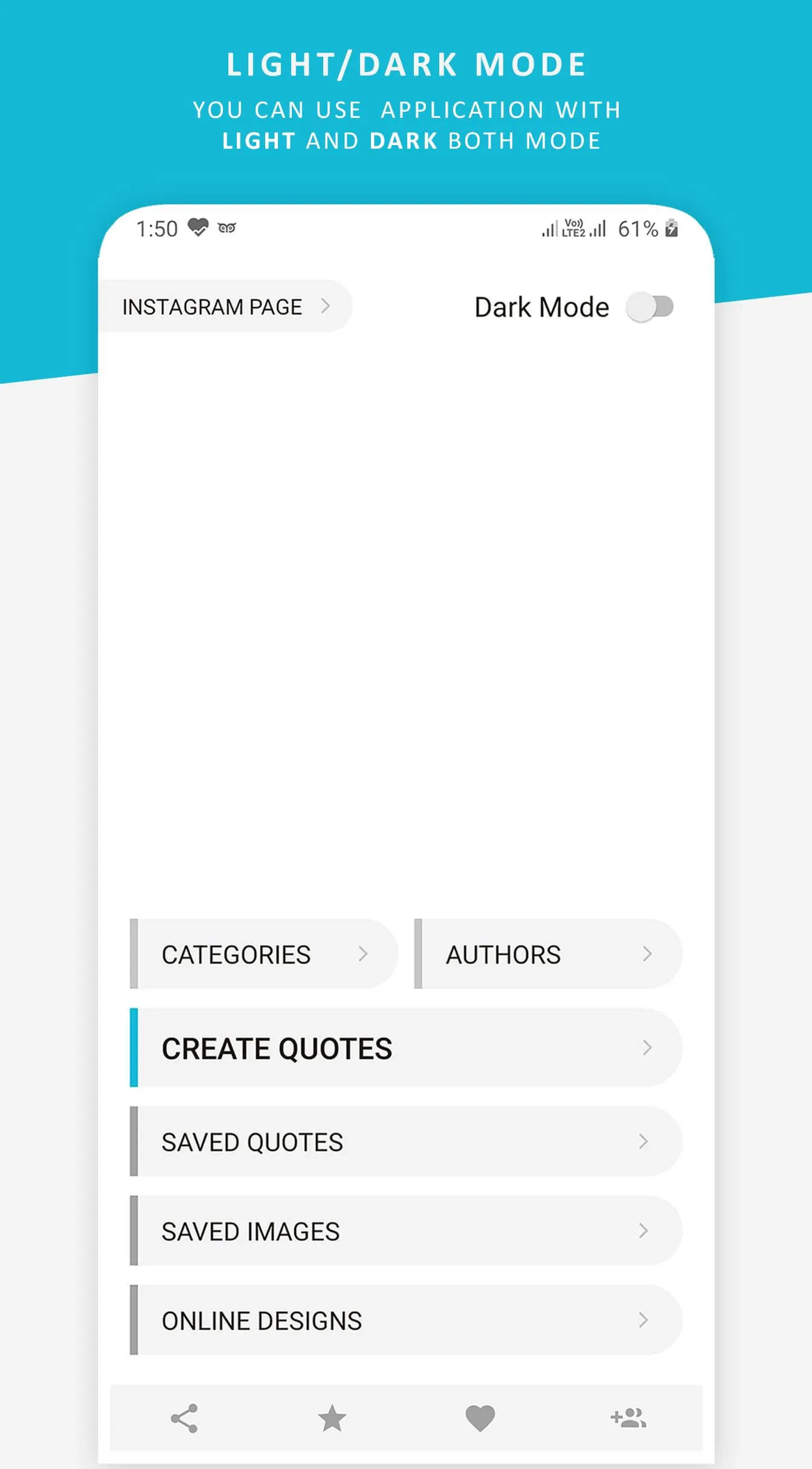
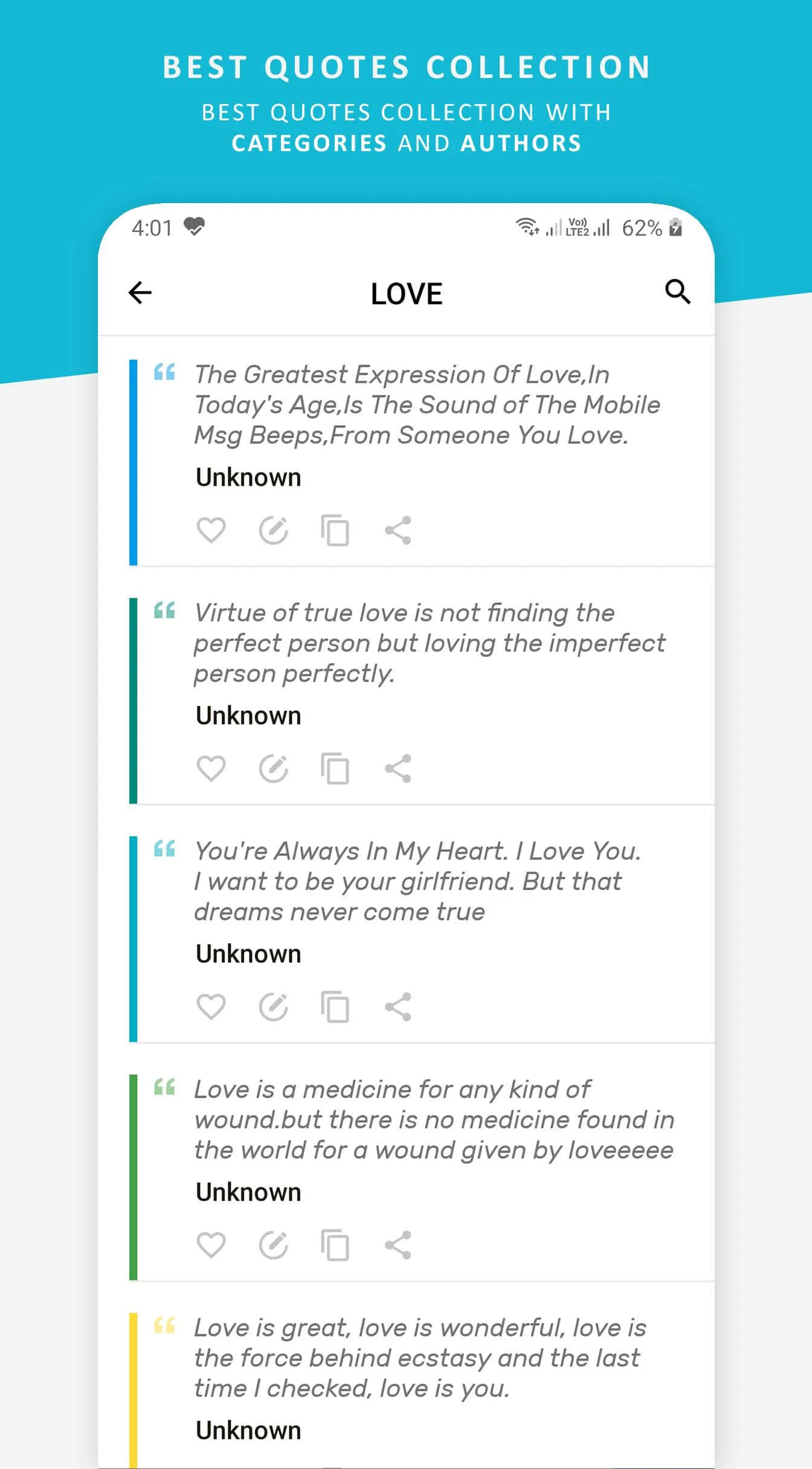
Jump straight in from the home screen — categories, authors and your saved work are one tap away.
STEP 02
Make it yours
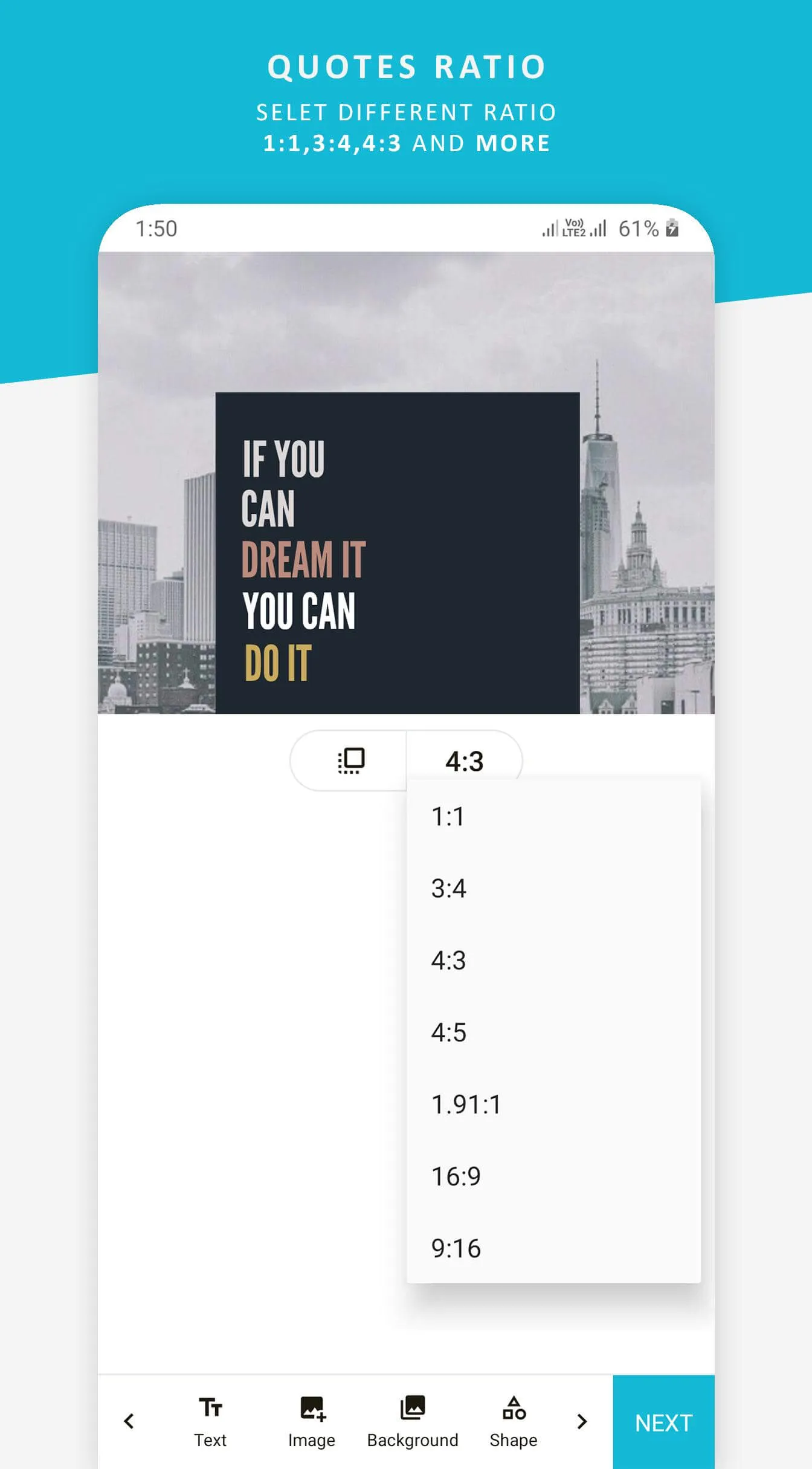
Type your words, then tune fonts, gradients and your own photos until it feels right.
STEP 03
Save & share
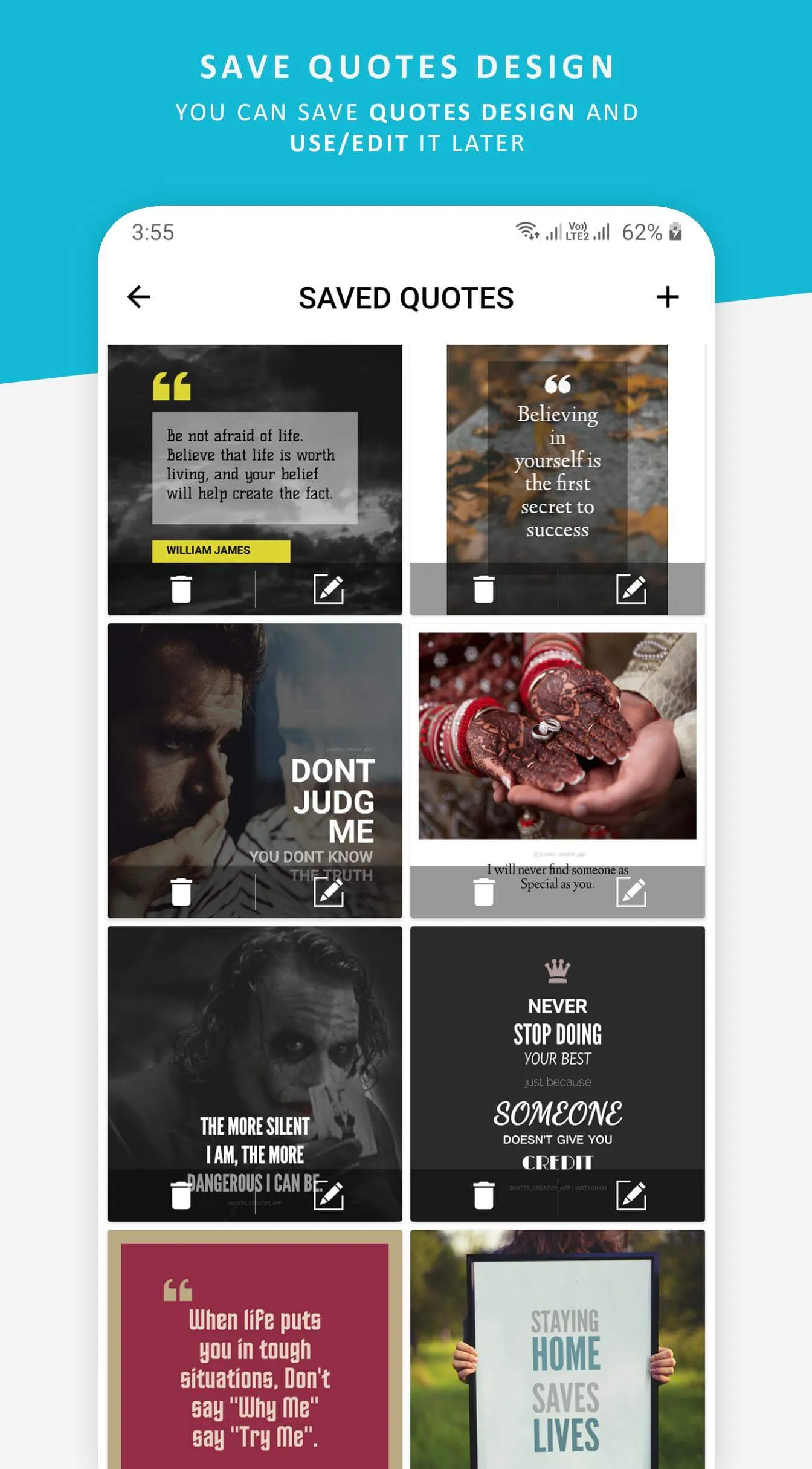
Every creation is saved in high resolution — ready for Instagram, TikTok, Facebook or print.
Video quotes
Quotes that move
Create animated video quotes with dynamic text effects and backgrounds — made for TikTok, Instagram Reels, and YouTube Shorts.
Inside the app
A closer look
Scroll →
Good to know
Frequently asked questions
Is Quotes Creator free to use?
Can I use my own fonts in Quotes Creator?
Can I create video quotes with the app?
Does Quotes Creator work offline?
Resources
Learn how to create stunning quote graphics
Start creating beautiful quotes today
Download Quotes Creator and bring your words to life.
Get it onGoogle PlayAlso find us on Instagram @quotes_creator_app